
Small Desk Organization
How to Make an Office Chair Fit Under a Small Desk
Measure the desk at its lowest obstruction, not just the desktop. Then test the chair in both work mode and parked mode, protect a workable seated setup, and solve the exact collision—armrests, drawer, apron, chair base, or desk depth—before replacing furniture or sacrificing circulation.
In This Guide
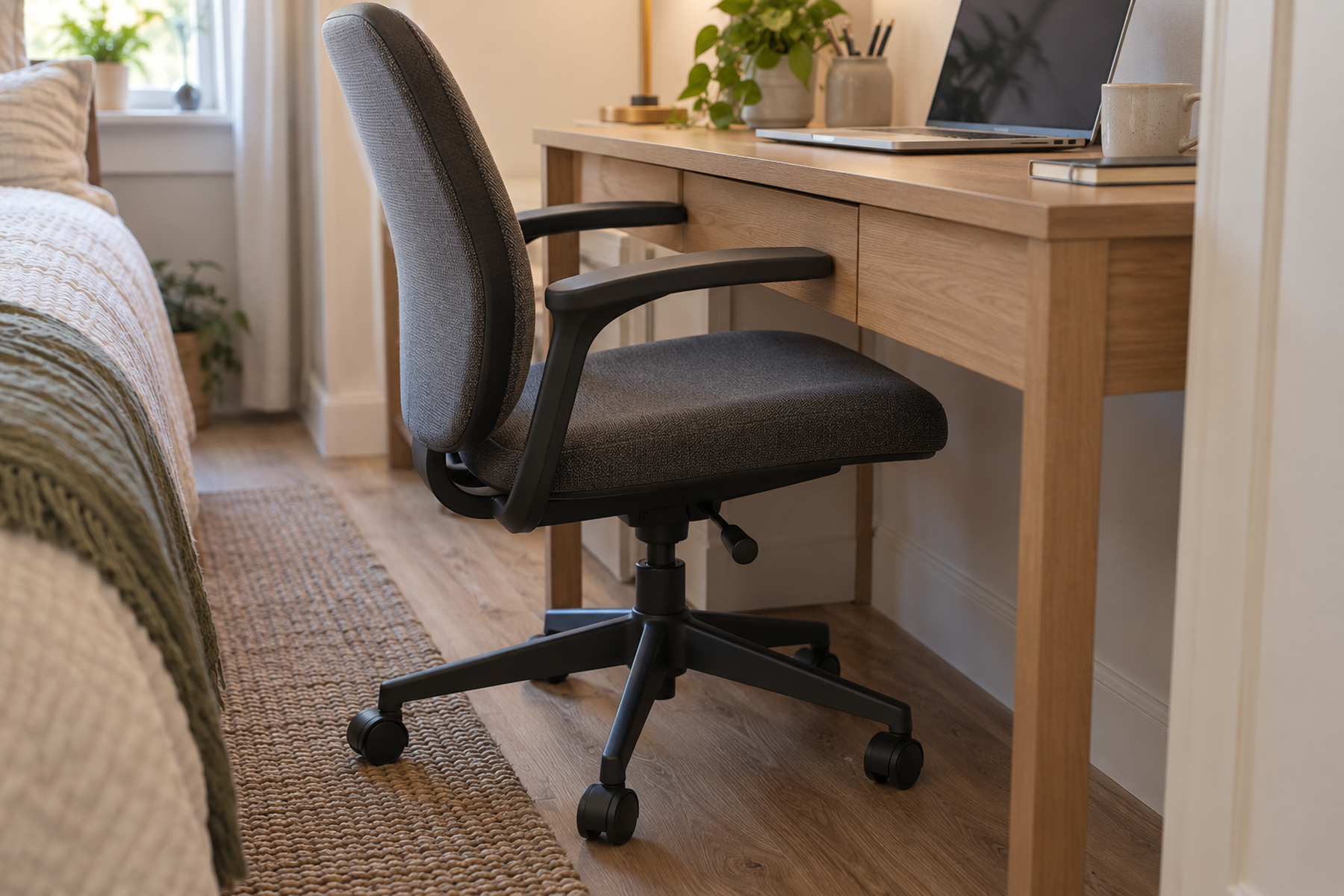
A compact desk can fit a bedroom, studio, or shared room and still fail as a small-space workstation because the office chair has nowhere to go when work ends. Fixed armrests may hit the desk edge, a center drawer or apron may be lower than the desktop, or the five-star base may still project into the walkway after the upper chair clears.
The useful test has two states: work mode and parked mode. The same chair should support a workable seated position while you are using the desk and then park far enough under—or near—the desk that the room’s circulation, doors, bed, and closet still work.
Quick Answer
Measure the Chair in Work Mode Before You Try to Store It
Do not lower the chair, remove arm support, or raise the desk simply to make the parked silhouette smaller. First identify the exact collision, then choose the smallest reversible change that preserves the working setup.
01
Measure the lowest obstruction, not the desktop
The desktop underside may not be the limiting height. A center drawer, apron, crossbar, cable tray, or under-desk organizer can sit lower and stop the chair first.
02
Separate armrest clearance from base clearance
Flip-up or lower armrests can solve the upper collision, but the chair base may still project into the room. Full tuck-under is a three-dimensional fit test.
03
Keep partial tuck-under when the walkway already works
The chair does not need to disappear completely. If the desk, chair, doors, bed, and circulation all work with a partial park, keeping the better-fitting work chair can be the stronger small-space decision.
01
Measure the Real Under-Desk Clearance First
Measure from the floor to the lowest point in the chair’s path, not only to the desktop.
Look underneath the desk for a center drawer, apron, support rail, cable tray, keyboard tray, storage bin, or crossbar. Record the clear height at the exact place where the armrests or seat would travel.
Then measure the clear width between desk legs, drawer pedestals, or side panels and the usable depth under the desk. A chair can clear the height and still fail because the base or seat cannot travel far enough inward.
Finally, measure the chair in its real working configuration: floor-to-armrest height, armrest projection, overall width, seat depth, and the width of the five-star base. The fit decision starts from those paired desk-and-chair dimensions.
02
Protect the Working Position Before You Optimize Parking
A chair that parks perfectly but forces the user into a poor working position has not solved the workstation.
OSHA notes that inadequate under-desk clearance can push the user farther from the keyboard and pointing device and encourage forward reaching. The chair still needs to get close enough for the working setup to feel natural.
Do not lower the entire chair just to clear the desk edge if that makes the work surface too high relative to the user. Likewise, lowering the armrests is useful only when the resulting position still works for the person and task.
Treat parking as the second fit test. First make the chair, desk, keyboard, mouse, feet, and leg space work during use; then see how much of that same chair can be tucked away afterward.
Measure / Check First
Before changing the chair or desk, measure the workstation in the exact position used during a normal work session.
Check the Lowest Obstruction, Working Height, and Parked Footprint First
01
The real desk clearance
Measure floor to the lowest obstruction, clear width between legs or pedestals, usable depth under the desk, and any cable tray or storage that enters the chair path.
02
The chair in working position
Record seat height, floor-to-armrest height, armrest projection, chair width, base width, and the position that lets the user work close enough without excessive reaching.
03
The off-duty room footprint
Roll the chair into its best realistic parked position and check the bedroom door, closet, bed path, drawers, radiator or heater zone, and remaining walkway.
If the chair only parks by making the work position worse, change the collision point instead of storing the chair through posture compromise.
03
Solve the Armrest Collision Without Shrinking the Whole Chair
Armrests are often the first visible reason a chair will not tuck under a small desk.
Start with the chair’s existing adjustments. Height-adjustable, sliding, pivoting, or multi-axis arms may let the chair approach the desk without changing the seat position.
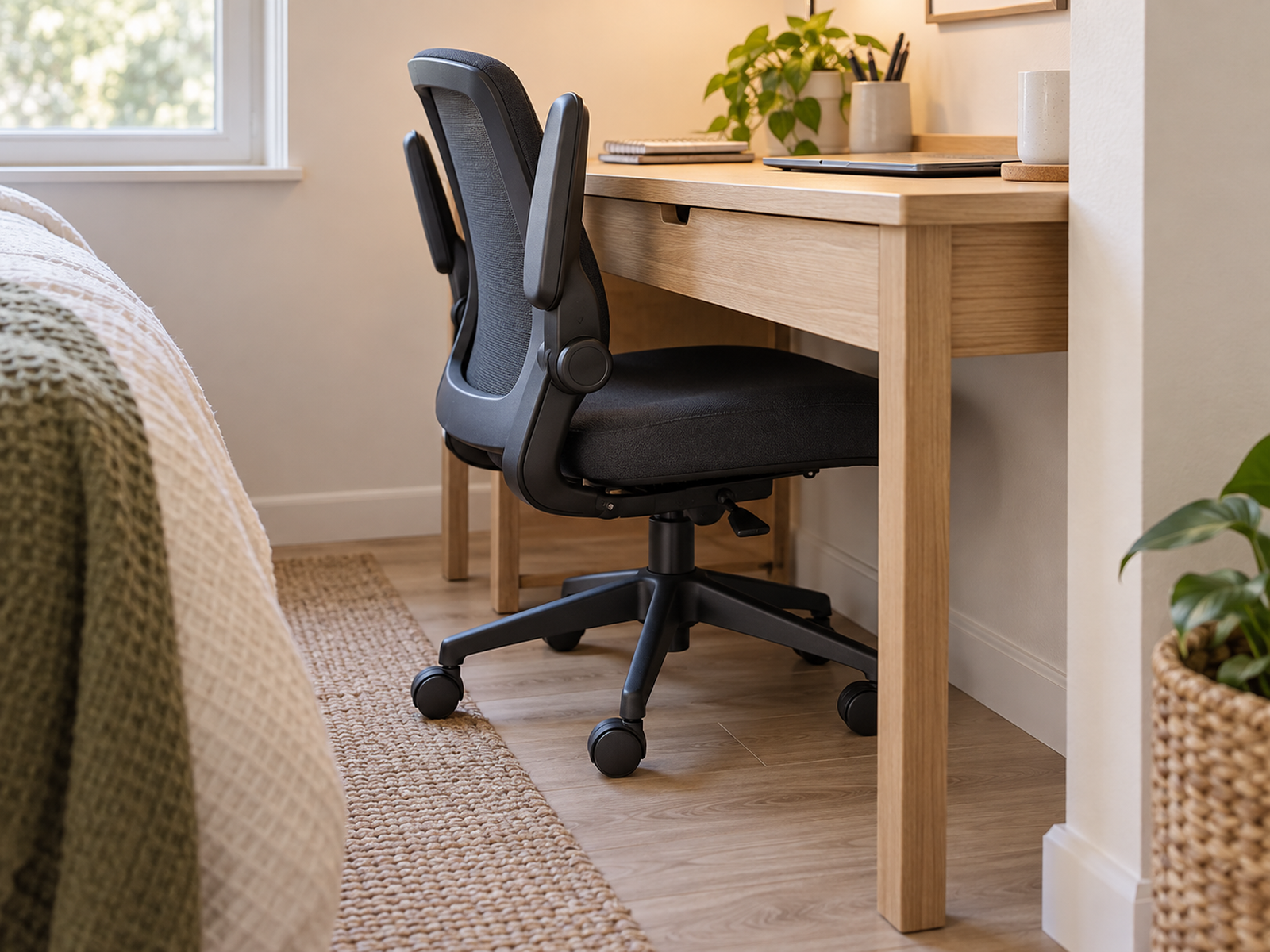
Flip-up arms are especially useful when the armrest itself is the only parking obstruction. They can move out of the way after work while leaving the rest of the chair unchanged.
Armless or manufacturer-approved removable-arm configurations are another branch. OSHA notes that armrests that cannot be adjusted properly or that interfere with workstation positioning may be removed or not used, but that does not mean every user or every chair is better without them.
04
Use Flip-Up or Highly Adjustable Arms Only When Work Mode Still Works
The strongest small-space armrest is not simply the one that disappears. It is the one that supports the working setup when needed and clears the desk when the chair is parked.
Some current office chairs publish wide arm-adjustment ranges or armless configurations, which shows why arm geometry should be treated as a product-specific fit variable rather than a yes/no feature.
Check whether the arms clear the desk while the seat remains at the user’s normal working height. If the arms only fit when the whole chair is lowered, the chair and desk may still be vertically incompatible.
Also check armrest length. A short or retractable arm can sometimes approach the work surface even when a taller rear section would otherwise fit underneath.
Use / Skip
Flip-Up or Highly Adjustable Armrests
Use
Use them when the arms are the only meaningful parking collision
Adjustable or flip-up arms can be a strong fit when the chair works well for the user, the seat stays at the normal working height, the arm movement clears the desk edge or drawer, and the base can still roll far enough under the desk to recover useful floor space.
Skip
Skip them when the chair base, seat, or desk structure still prevents parking
Choose another chair/desk geometry—or accept partial tuck-under—when the five-star base, seat depth, drawer box, apron, crossbar, or shallow desk remains the real limit after the arms move out of the way.
05
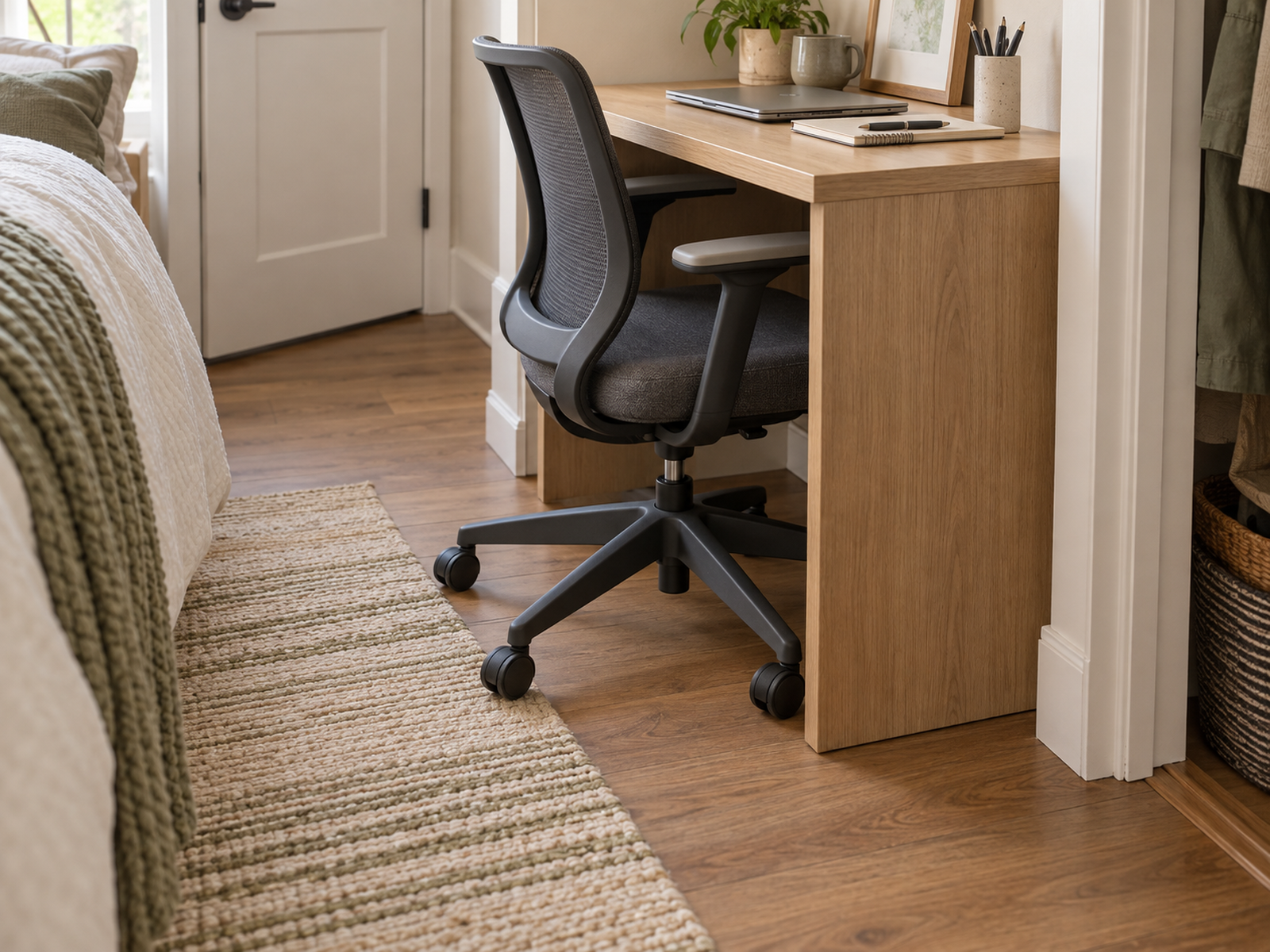
Remove Under-Desk Obstacles Only When They Are Truly Optional
Under-desk storage can quietly consume the same space the chair and legs need.
OSHA recommends keeping under-desk leg and foot space clear of files, CPUs, books, storage, and other objects that restrict movement. If a removable storage bin or cable tray is the lowest obstruction, relocating it may restore the desk’s original chair clearance.
A conventional center drawer can sometimes be removable; OSHA lists center-drawer removal as one possible way to increase thigh clearance. But that does not make every apron, crossbar, drawer pedestal, or frame member optional.
For landlord-provided, built-in, borrowed, valuable, or unfamiliar furniture, do not cut or remove structural-looking parts just to gain tuck-under space.
06
Raise the Desk Only as a Whole-Workstation Adjustment
Stable desk risers can increase chair and armrest clearance under some fixed desks.
But raising the work surface changes the working height too. The user may then need a higher chair position and, depending on body dimensions, better foot support to preserve a workable relationship to the keyboard and mouse.
OSHA includes stable work-surface risers as one possible adjustment, but the desk base still has to be suitable for them and the result has to remain stable.
Treat desk raising as a system change, not a storage hack. Recheck monitor height, keyboard position, leg clearance, desk stability, and parked chair fit after the change.
07
Check the Chair Base and Parked Footprint After the Arms Clear
Armrests can stop being the problem while the chair still occupies the room.
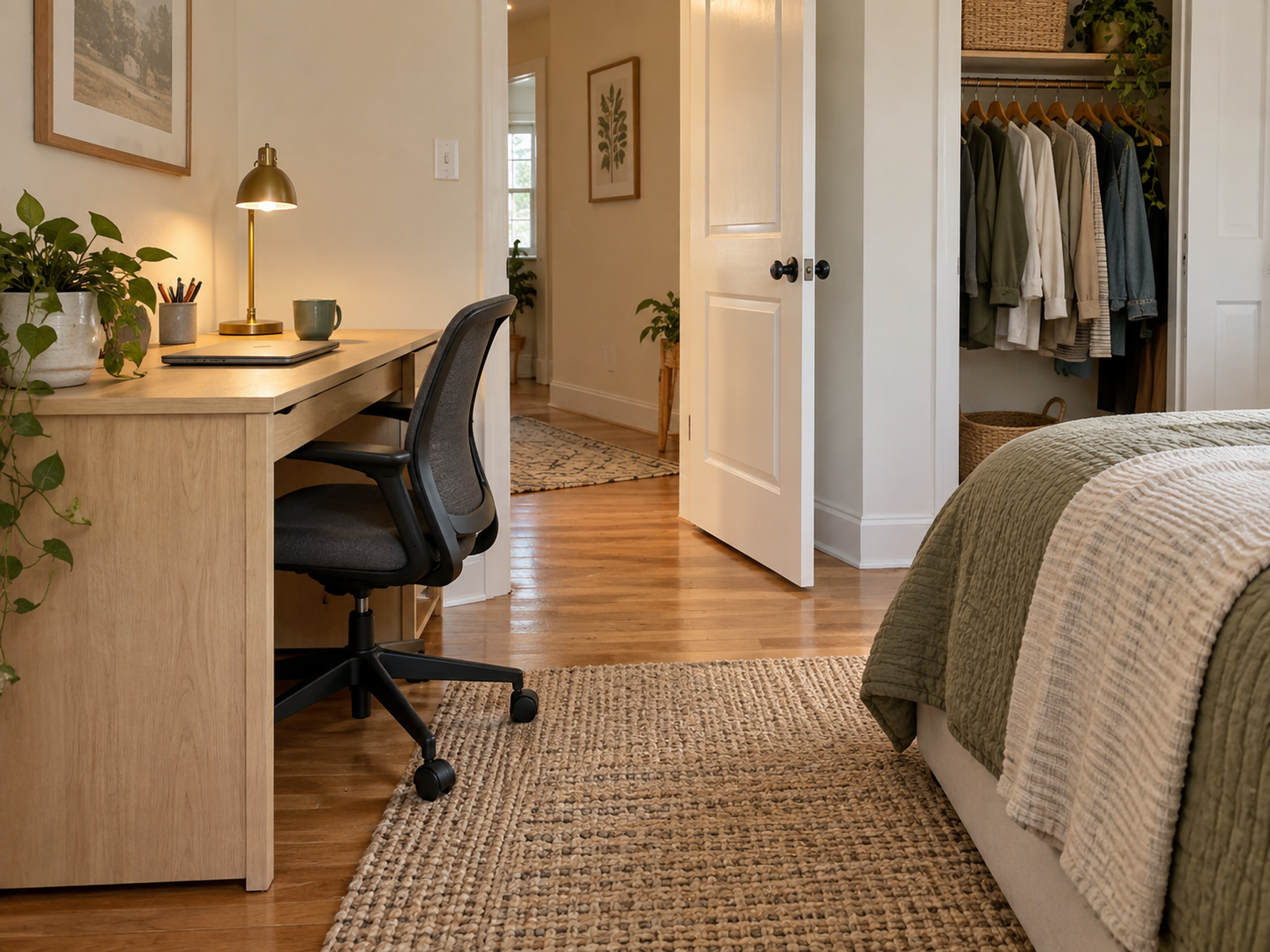
A five-star base can extend beyond the seat and remain in the walkway even when the upper chair slides under the desk. Overall chair depth and caster travel also matter when a wall, bed, radiator, or closet sits close behind the chair.
Roll the chair into its realistic parked position and look at the floor, not just the desktop edge. The useful question is how much circulation the chair actually gives back to the room.
This is also where partial tuck-under can pass. If the chair still projects several inches but the bedroom door, closet, bed path, and main walking route remain fully usable, forcing a smaller chair may add little real value.
08
Replace the Chair or Desk Only After the Exact Conflict Is Known
If the existing chair fits the user well but the desk has a low drawer, narrow pedestal gap, or shallow parking depth, replacing the chair may solve the wrong half of the system.
Likewise, a smaller-looking chair is not automatically better. It still needs appropriate seat height, usable support, enough width for the user, and a base that actually fits the available floor zone.
When replacement becomes necessary, compare the chair and desk as a pair: working seat height, armrest behavior, under-desk clearance, base footprint, desk depth, and the room’s parked circulation.
The small-space goal is not the smallest chair or the shallowest desk. It is a workstation that fits the body while working and gives the room enough floor space back when work is over.
Closing Decision
Make the Chair Fit the Workstation in Both Modes
An office chair in a small room is both work equipment and furniture that needs a parking place. Measure the desk at its lowest obstruction, protect the working position first, then solve the exact armrest, drawer, apron, base, or depth conflict.
Use reversible adjustments when they preserve the work setup, accept partial tuck-under when circulation already works, and replace furniture only when the measured chair-desk pair cannot satisfy both work mode and parked mode.
RELATED GUIDES
What to Read Next
NEXT GUIDE
How to Organize a Small Desk With No Drawers Without Losing Work Surface
Use this next if removing or relocating under-desk storage solves the chair clearance but creates a new problem for office supplies and everyday desk items.
GUIDE
How to Place a PC Tower Around a Small Desk Without Losing Work Surface
Use this if the PC tower is occupying the same under-desk floor zone the chair and legs need for work and parking.
GUIDE
How to Use a Standing Desk Converter on a Small Desk Without Losing Work Surface
Use this if the workstation already has a converter or other height-changing layer that affects seated keyboard height, chair position, and under-desk geometry.