
Small Desk Organization
How to Place Speakers on a Small Desk Without Losing Work Surface
Plan the monitor and speaker pair as one system: protect the work zone and screen first, keep both speakers at comparable height and clear of the display, then use the least invasive support method that actually fits the desk and room.
In This Guide
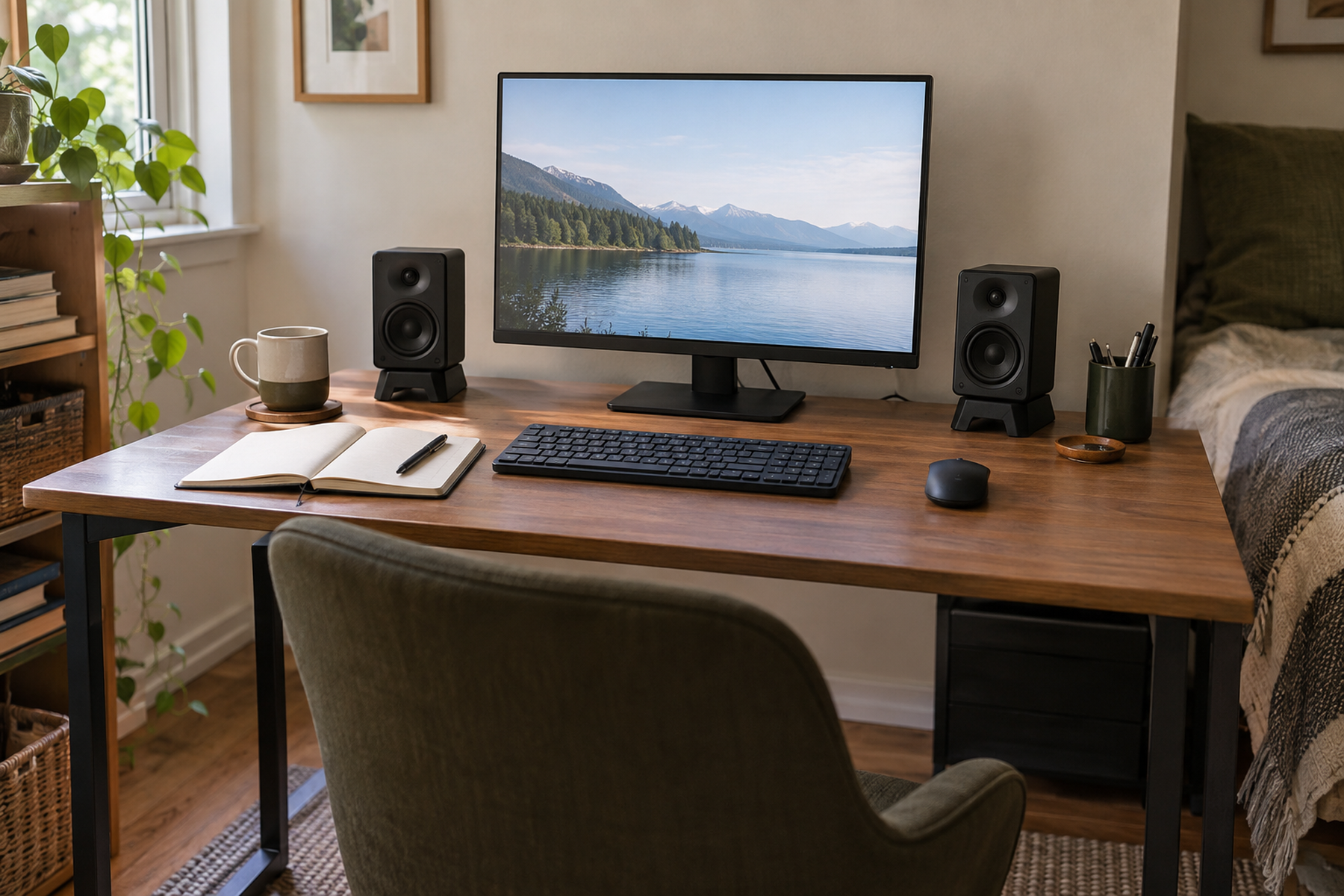
A speaker can physically fit on a small desk and still be badly placed. If one cabinet hides behind a monitor, crowds the mouse, sits much higher than its partner, or forces the display away from a comfortable position, the desk has traded one space problem for another.
The useful sequence is to protect the work surface and screen first, then preserve a sensible left-right pair around the listener, and only then choose how the speakers are supported. On-desk wedges, clamp stands, floor stands, and wall mounts solve different constraints; none is a universal upgrade.
Quick Answer
Protect Work Surface, Sightlines, and Speaker Geometry in That Order
01
Treat the monitor and speaker pair as one horizontal system
Measure the real width and depth used by the display, speaker cabinets, mouse, notebook, and any laptop before deciding that an empty-looking corner is available.
02
Keep both speakers clear and reasonably symmetrical
Do not solve the footprint problem by hiding one speaker behind the display or putting the pair at obviously different heights. The exact geometry can vary, but clear, comparable placement matters.
03
Use a clamp stand when desk-edge geometry allows it
A clamp-on stand can recover the speaker footprint without wall drilling, but the tray, load rating, desk thickness, edge shape, underside clearance, and speaker cables all have to fit.
04
Count the footprint wherever it moves
Floor stands reclaim the desktop but consume room floor area; wall mounts reclaim both but create an installation and lease decision. Choose the least expensive spatial zone, not simply the emptiest-looking one.
01
Plan the Monitor and Speakers as One System
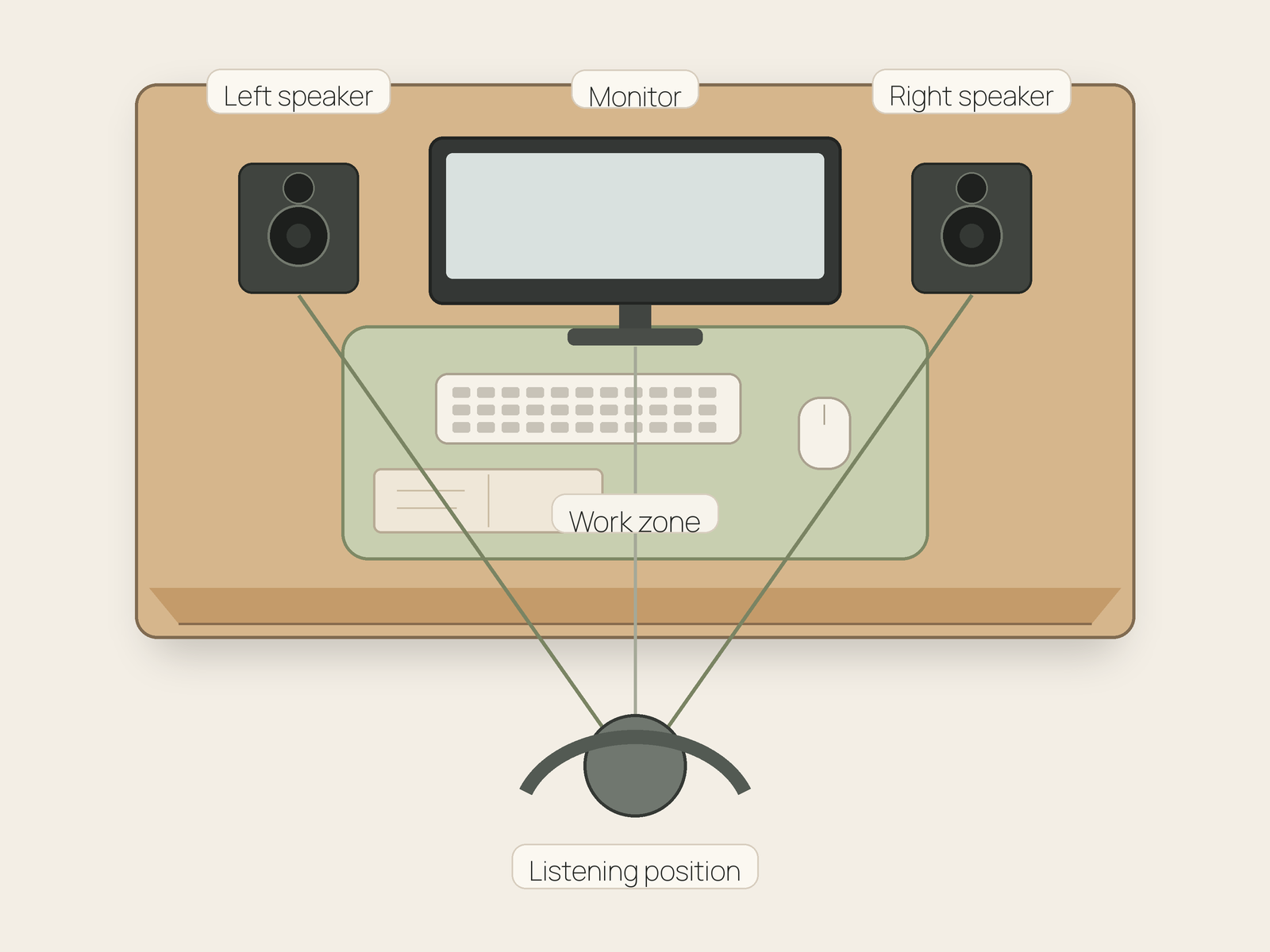
Start with the listening position you actually use for computer work. From that chair position, look at the monitor and both speaker locations as one horizontal arrangement rather than three unrelated objects. A wider display can create a speaker-placement problem even when the desk depth has not changed.
Protect the screen sightline and the active desk zone at the same time. The mouse still needs comfortable lateral room; a notebook or paper task may need the front-center surface; and a laptop or microphone may already occupy one side. A speaker position that steals one of those jobs has a real spatial cost even if the cabinet technically fits.
Technical monitor guidance also gives one useful boundary: left and right speakers should behave as a pair rather than as two convenient storage objects. Genelec’s current nearfield-monitor guidance emphasizes left-right symmetry, comparable aim toward the listening position, and acoustic-axis height around ear level for typical two-way monitors. Those are reference principles, not a rigid 60-degree prescription for every consumer computer speaker.
The practical goal is therefore modest: keep the pair comparably placed, keep the screen unobstructed, and preserve enough surface for the desk’s primary work. Once those conditions are visible, you can decide which support method costs the least space.
02
Keep Speakers on the Desk Only When the Pair Fits
On-desk placement is the least invasive path. It avoids wall work, keeps the speakers attached to the moving surface of a sit-stand desk, and keeps controls and connections close. But it works only when both cabinets can occupy comparable positions without taking over the mouse, writing, or display zones.
Compact cabinets can reduce the problem without eliminating it. Edifier’s current M60, for example, is about 3.94 inches wide and 5.79 inches deep per speaker, while PreSonus lists the current Eris 3.5 at about 5.6 inches wide and 6.5 inches deep. These examples show why “compact” still means a real pair of footprints.
If the speakers already fit horizontally and the main issue is that they sit too low, an angled desktop stand can be enough. Edifier’s M60 uses a 15-degree desktop stand intended to direct the speaker toward ear level. That is a positioning improvement, not true desk-surface recovery: the speaker is still occupying essentially the same desk zone.
Do not turn a speaker sideways merely to make it fit unless the exact speaker manufacturer supports that orientation. Cabinet design, driver layout, and intended orientation vary.
Measure / Check First
Before buying a stand or moving a speaker off the desk, verify the dimensions and support conditions that can invalidate an otherwise attractive layout.
Check Speaker Fit, Support, and Desk Compatibility
01
Speaker and work-zone footprint
Measure each speaker cabinet, the monitor width and base, the mouse travel area, and any notebook or laptop zone that must remain usable. Include rear cable or port space required by the exact speaker guidance.
02
Support size and load
Verify the speaker weight against the exact stand, shelf, clamp, or wall-mount rating. Confirm that the speaker cabinet fits fully on the tray or platform instead of relying on appearance or a generic “bookshelf speaker” label.
03
Mounting and movement compatibility
For clamp stands, check desk-edge thickness, shape, underside obstructions, and desk construction. For floor stands, check chair and circulation clearance. For wall mounts, verify wall construction and lease permission. For sit-stand desks, verify cable travel through the full height range.
If the support fits the speaker but costs the desk its work zone, blocks the screen, overloads the desk edge, or transfers the footprint into a needed walking path, the support method is solving the wrong constraint.
03
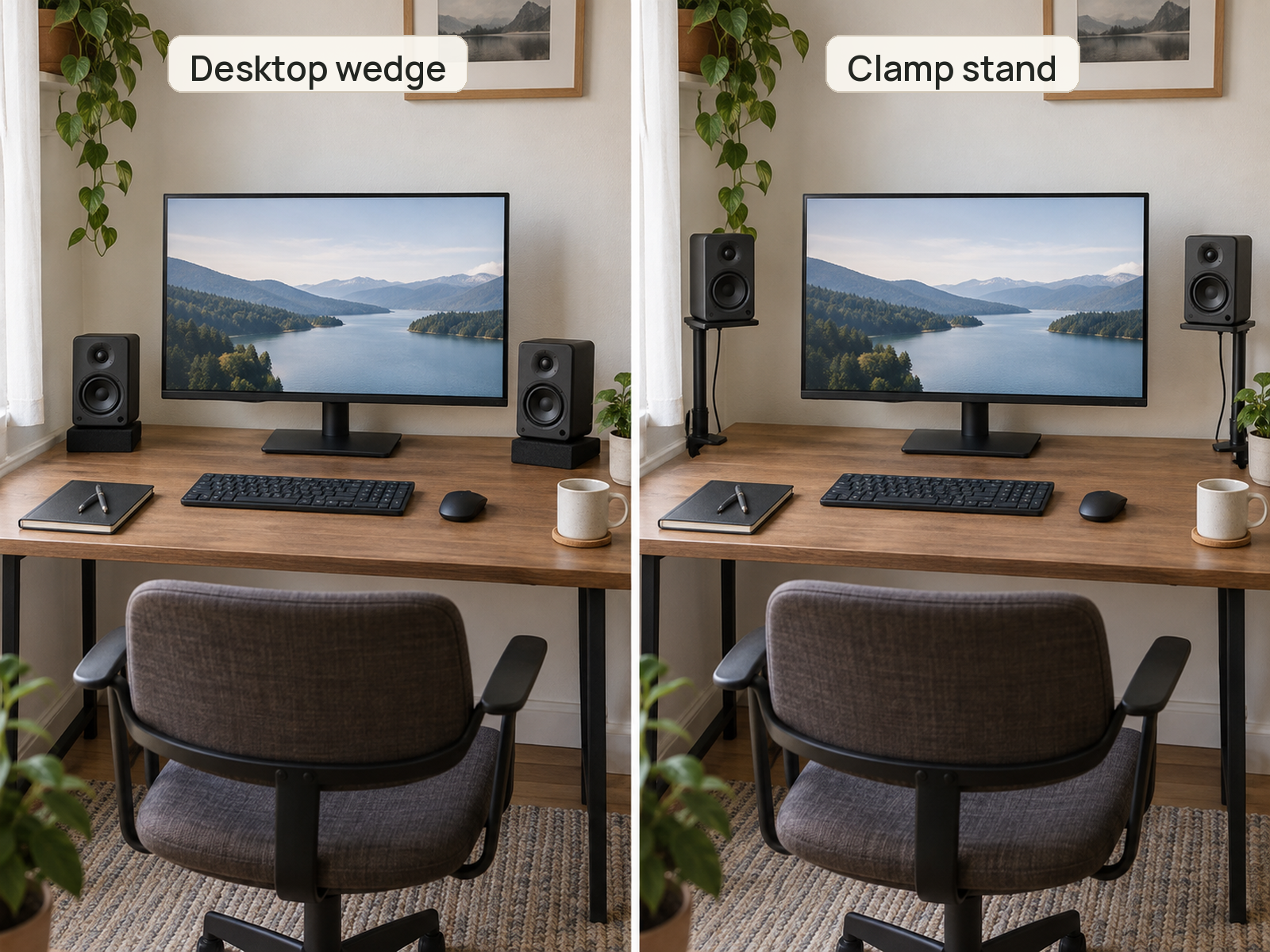
Use Desktop Wedges for Aim, Not for Footprint Recovery
A wedge or short desktop stand is useful when the cabinets belong on the desk but need better vertical aim. It can also create a small amount of separation from the desktop surface depending on the product.
What it does not do is free the left and right work zones. If the mouse, notebook, or monitor is already colliding with the speaker footprint, raising the cabinet by an inch or tilting it upward does not solve the underlying surface conflict.
Use this option when the desk already has enough width and depth for the pair. If the real shortage is horizontal surface, move to a support method that transfers the speaker base somewhere else.
04
Use Clamp-On Stands to Reclaim Surface
For many small desks, clamp-on speaker stands are the strongest middle path. They can lift both speaker cabinets off the primary work surface without drilling into the wall, and they can keep the speakers moving with a sit-stand desktop.
The fit test is stricter than the category name suggests. Monoprice’s current Universal Clamp-On Desktop Speaker Mounts, Product 44895, use a 9.5 by 8.8 inch tray, provide height and tilt adjustment, and carry a 33-pound load rating. That verifies the solution form, but the actual desk still needs a compatible exposed edge and the actual speaker still needs to fit the tray and stay within the rating.
Check the underside as well as the top. Drawers, aprons, cable trays, monitor-arm clamps, rounded edges, thin hollow panels, or decorative trim can make a nominally clamp-on solution incompatible. Do not describe a clamp as damage-free for every desk merely because it avoids screw holes.
On a sit-stand desk, this approach has an additional advantage: the speaker height changes with the desktop. The trade-off is cable travel. Power and audio cables must be routed so the desk can move through its full range without pulling connectors or creating a snag.
05
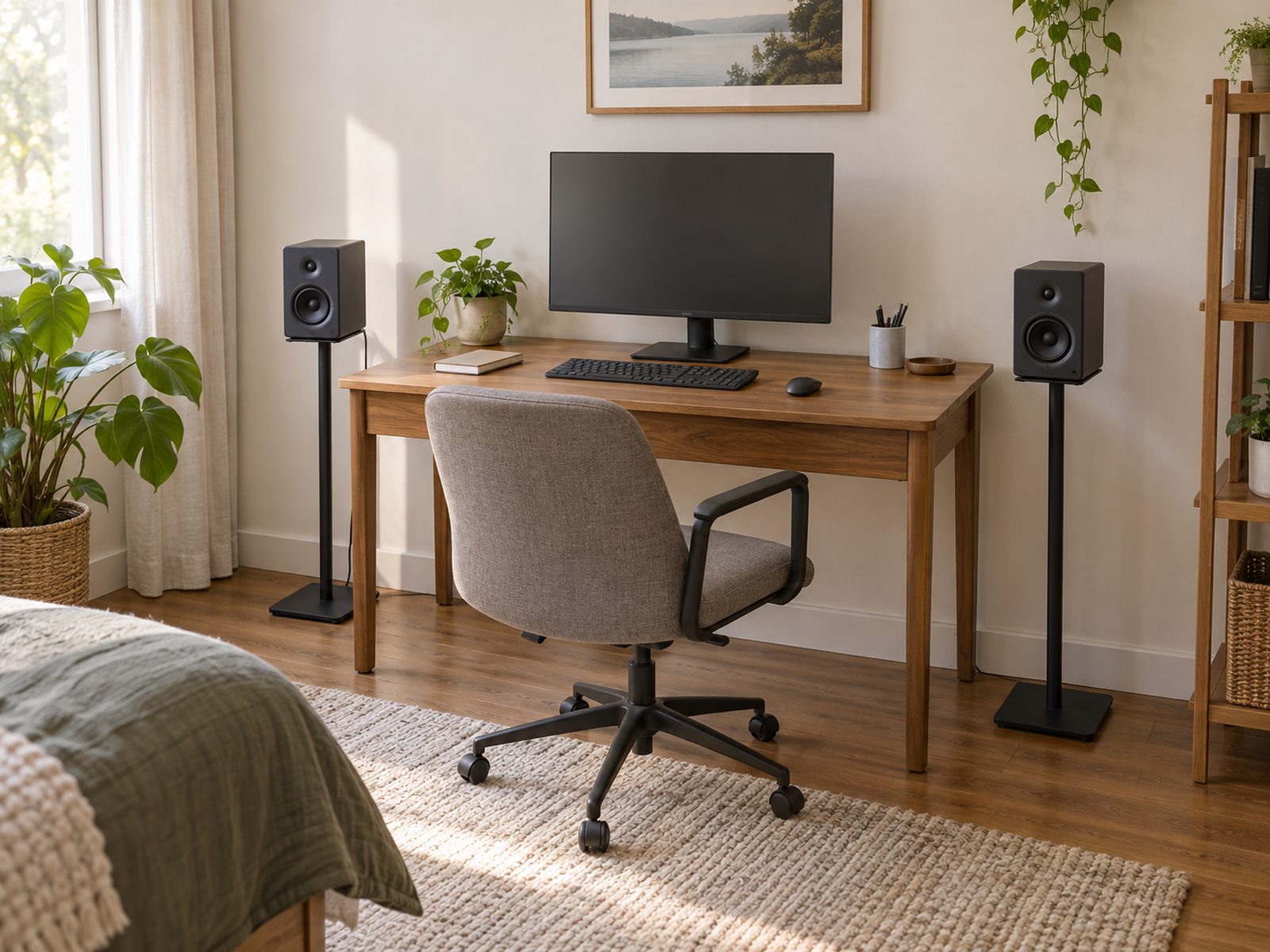
Move to Floor Stands Only When the Room Can Pay the Footprint
Floor stands remove the speaker bases from the desktop completely. They can also place larger speakers outside the width of an ultrawide display, which may solve a problem that no small desk accessory can solve cleanly.
The space has not disappeared; it has moved to the room. Gator’s current Elite Series Studio Monitor Stand uses a base about 15 by 13.5 inches and stands 36.5 inches high. Two stands therefore create two permanent floor footprints that have to coexist with the chair, drawers, nearby furniture, and the walking path.
This can be an excellent trade when the desk surface is scarce but the sides of the desk are genuinely residual room space. It is a poor trade when the stands force the chair inward, block a cabinet, or become objects the user repeatedly walks around.
A sit-stand desk changes the calculation again. Floor stands stay fixed while the desktop rises and falls, so the relative speaker height changes between seated and standing use. That may be acceptable, but it is a real consequence rather than a hidden detail.
06
Treat Wall Mounting as an Installation Decision
Wall mounting can recover both desk and floor area, which makes it tempting in the smallest rooms. It also has the highest installation cost and the least layout flexibility for a renter.
Use only a mount that explicitly fits the speaker dimensions and weight, and follow its mounting instructions for the actual wall construction. Mount-It!’s current MI-SB37, for example, is specified for speakers 5.4 to 11 inches wide and up to 55 pounds, with tilt and swivel adjustment. Those specifications belong to that exact product, not to wall brackets in general.
Height and aim still matter after the speaker leaves the desk. A very high shelf or wall position may free surface but require the speaker to be aimed back toward the listener. Generic organization advice should not override the exact speaker manual on orientation or wall relationship.
Because drilling, anchors, and future relocation are involved, wall mounting is not the default Aptly Small renter path. It becomes reasonable only when the lease, wall, mount, speaker, and cable route all support the installation.
07
Use a Shelf or Riser Only When It Solves More Than It Creates
A monitor shelf or desk riser can create a second level, but vertical organization is not free space. The shelf must support the real speaker load, the speaker cabinet must fit fully on it, and the new height must not block the screen or put the pair at an impractical vertical angle.
This option works best when the shelf already exists for the monitor and there is enough width to place both speakers symmetrically without crowding the display. If one speaker ends up behind a monitor or each speaker sits on a different level, the shelf has solved storage while weakening the pair.
Do not assume a decorative monitor shelf can hold speakers because it looks sturdy. Use the published shelf load and dimensions for the exact product.
08
Choose Smaller Speakers Only When Cabinet Size Is the Real Constraint
Sometimes the existing pair is simply too wide or deep for the desk and the surrounding room. In that case, a smaller pair can be a legitimate hardware solution, especially when the user wants to keep everything on the desktop and avoid additional stands.
Keep that decision narrow. Smaller cabinets do not automatically fix monitor obstruction, unequal height, poor left-right placement, or cable crowding. Measure the actual footprint reduction against the desk geometry before treating replacement as the answer.
A one-piece soundbar-style device is an even larger space trade-off. It can consolidate two side footprints into one central object below the monitor, but it changes the physical stereo layout. Mention it as a space-priority alternative, not as an equivalent placement of the same separated speaker pair.
09
Recheck the Setup at the Real Listening Position
After the speakers are moved, sit where you actually work and use the desk normally. Open the notebook, move the mouse through its real travel, reposition the monitor if it moves, and confirm that neither speaker is visually blocked by the display.
Then compare the pair. They do not need a mathematically perfect studio layout, but they should remain at comparable height, reasonably symmetrical around the listener, and aimed in a way that makes sense for the exact speaker. If one support method forces a visibly compromised left-right arrangement, reconsider the spatial trade.
On a sit-stand desk, repeat the check at the heights you actually use. A clamp-mounted pair moves with the desk; a floor- or wall-mounted pair does not. Cable slack and relative speaker height should survive both states without improvisation.
The best small-desk setup is the one that protects the work surface and screen without treating the speakers like decorative storage objects. If the pair remains clear, stable, and easy to live with, the reclaimed space is genuine.
Closing Decision
Choose the Cheapest Spatial Zone, Not the Most Dramatic Fix
A small desk does not need the speakers to disappear; it needs them to stop competing with the primary work. Keep the pair on the desk when both cabinets fit cleanly, use wedges only when aim is the issue, and move to clamp, floor, or wall support only when that transfer genuinely improves the total setup.
The decision becomes simpler when every option pays for its own footprint. Clamp stands spend desk-edge capacity, floor stands spend room area, and wall mounts spend installation flexibility. Protect the work surface, keep the screen clear, preserve a sensible left-right pair, and let the actual desk and lease determine how far off the desktop the speakers should move.
RELATED GUIDES
What to Read Next
NEXT GUIDE
How to Manage Cables on a Small Desk Without Drilling
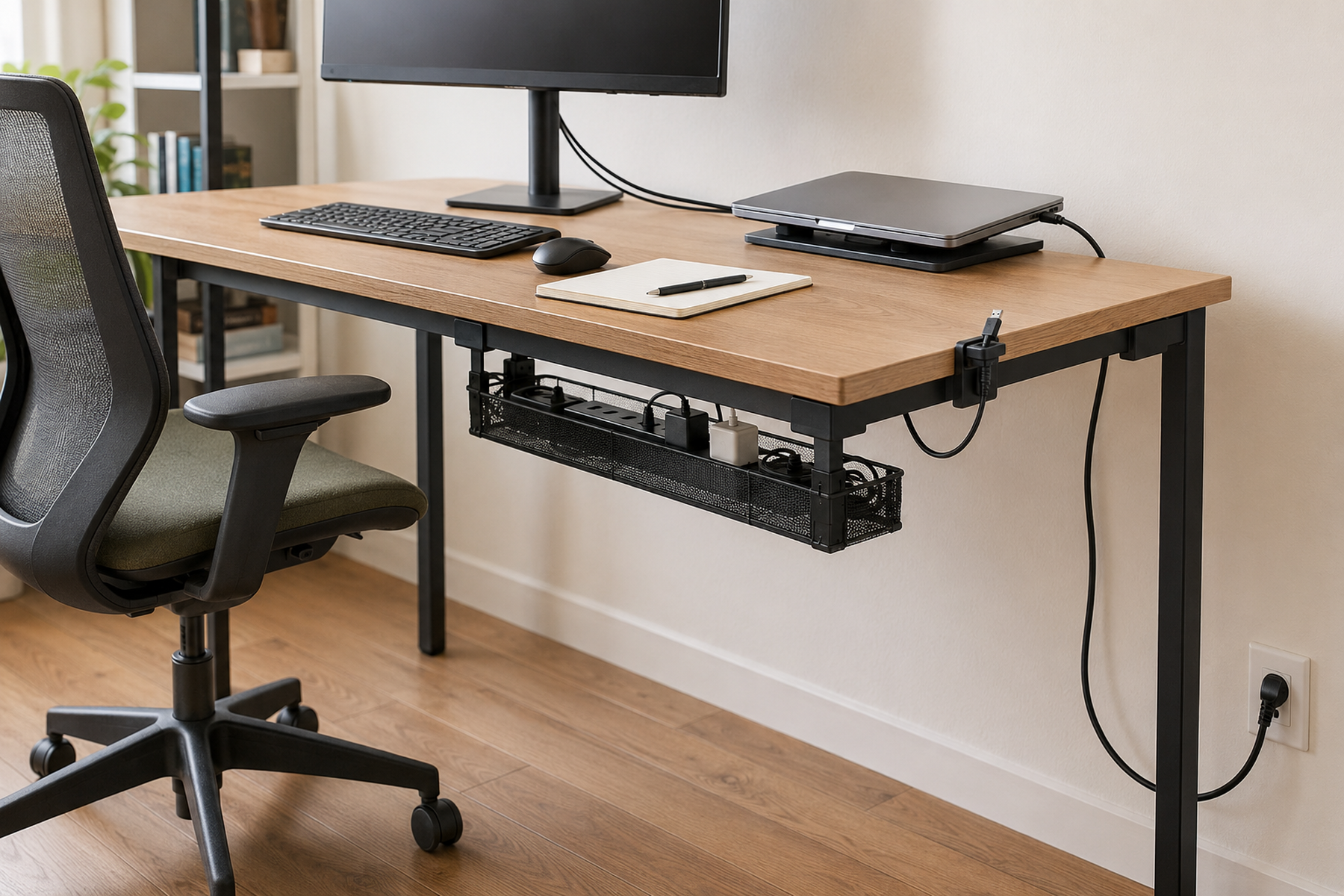
Use this next once the speaker positions are settled; it covers the separate problem of routing power and audio cables without turning the reclaimed work surface into a cable zone.
GUIDE
How to Use a Monitor on a Shallow Desk Without Losing Usable Depth
Use this if the monitor itself is still consuming too much front-to-back space after the speaker arrangement is resolved.
GUIDE
How to Make Room to Write on a Small Desk With a Keyboard
Use this if the speakers are no longer the main obstruction but typing equipment still occupies the surface needed for notebooks or paper work.